

Open-World Construction Sim
Construction Simulator Wiki
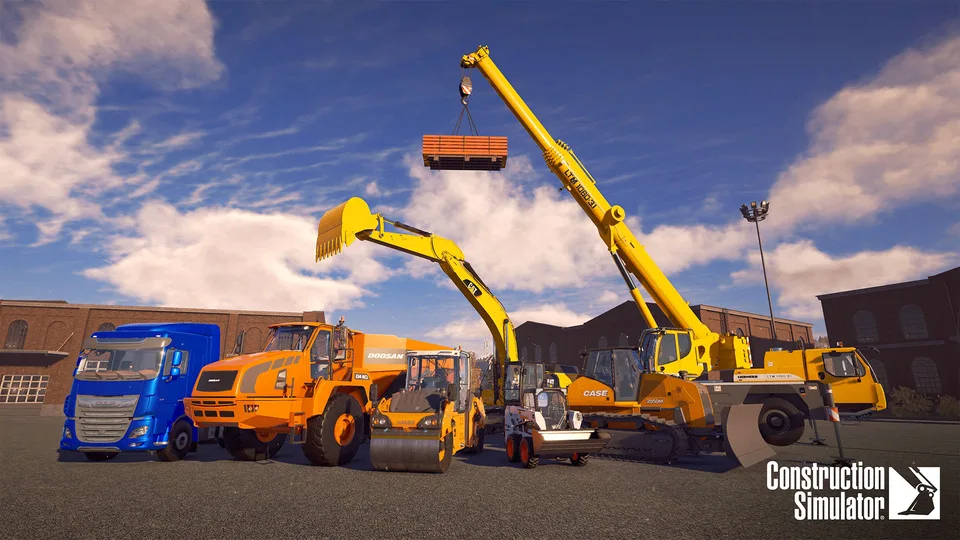
Build your own construction company and take the controls of licensed excavators, cranes and trucks. Complete contracts across American and German settings, expanding your fleet as you work solo or with friends.
- Released Sep 20 2022
- PC Security Patch Oct 3 2025
- 90+ Machines
- 100+ Contracts
- Up to 4 Players
Popular Pages
Trending Now
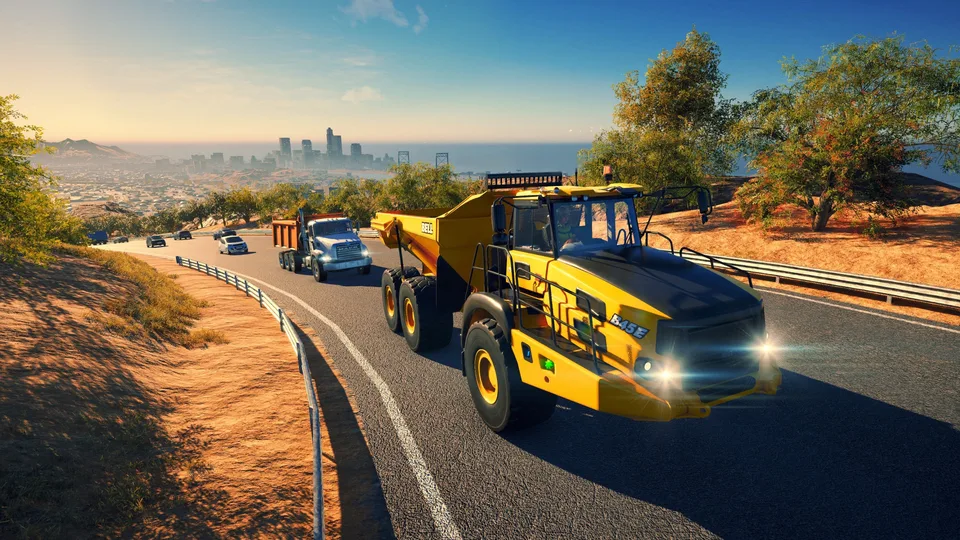
How to Make Money
Discover the best strategies for Construction Simulator: how to make money, manage your fleet, and scale your business to maximize profits in-game.
Read more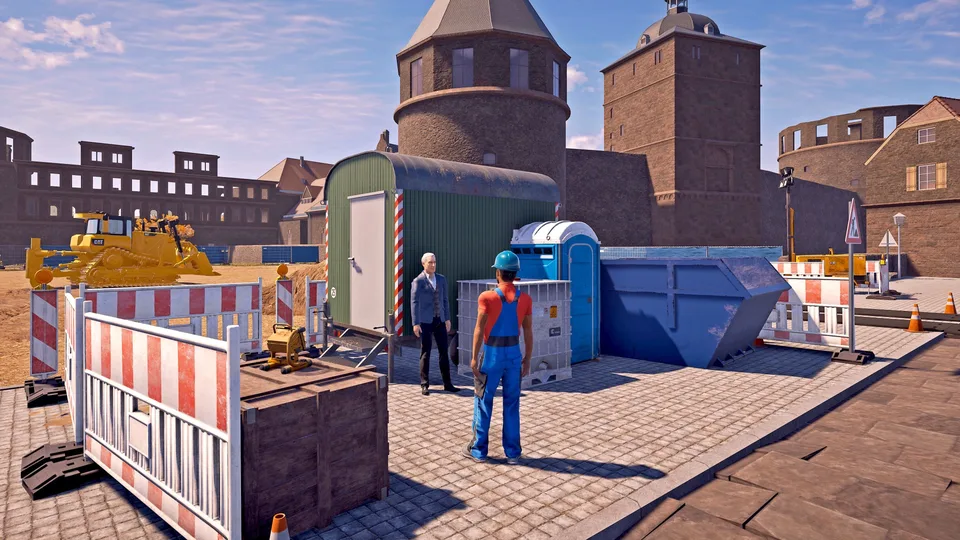
Flip a Vehicle
Learn how to flip a vehicle back onto its wheels in Construction Simulator, what recovery options exist and how to avoid costly breakdowns.
Read more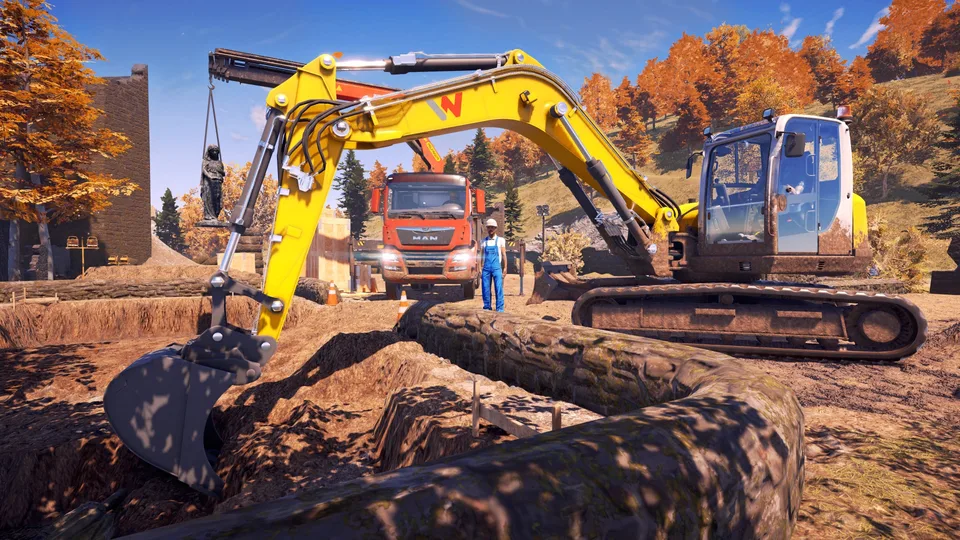
Best Excavator
Discover the best excavator in Construction Simulator to boost your efficiency. Master site preparation, soil handling, and maximize your profits today.
Read more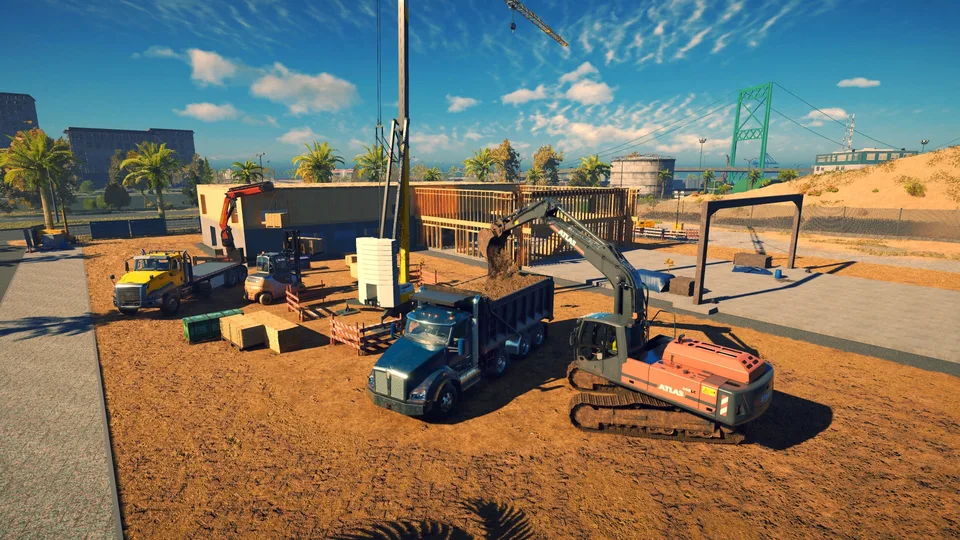
Max Level
Discover how to reach the Construction Simulator max level and optimize your company’s growth. Learn expert tips on upgrading your business and managing jobs.
Read more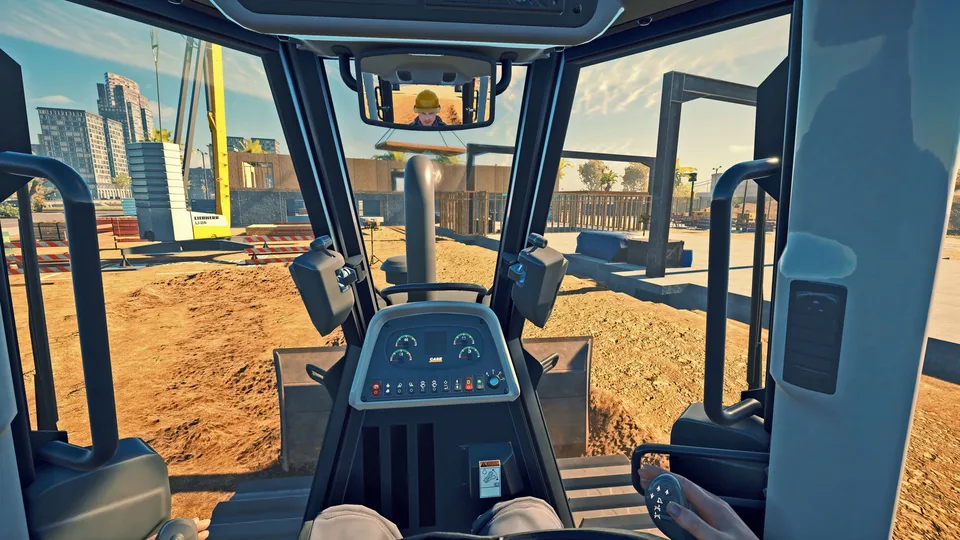
Joystick Setup
Set up your Construction Simulator joystick with tested devices, axis tuning and in-game profiles for precise machine control.
Read more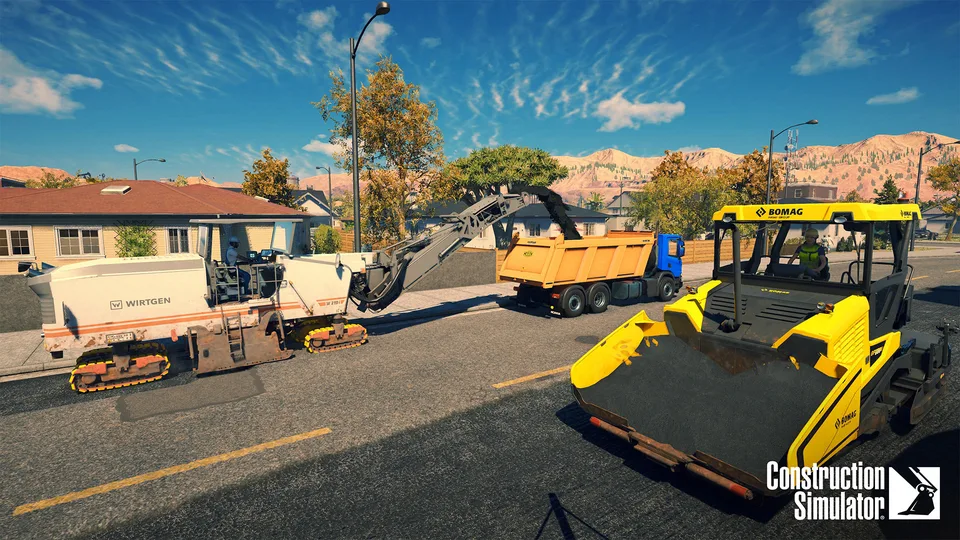
Keyboard Controls
Master Construction Simulator keyboard controls with our comprehensive guide. Optimize your workflow, boost efficiency, and dominate every project today.
Read more
What is Construction Simulator?
Construction Simulator is an open-world construction simulation developed by weltenbauer. Software Entwicklung GmbH and published by astragon Entertainment. Establish a construction company, operate licensed machinery and complete contracts to grow your business.
The base game features Sunny Haven and Friedenberg, two settings inspired by the USA and Germany. Take on roadworks, earthmoving and building projects, with solo play and online cooperation for up to four players.
Explore All Guides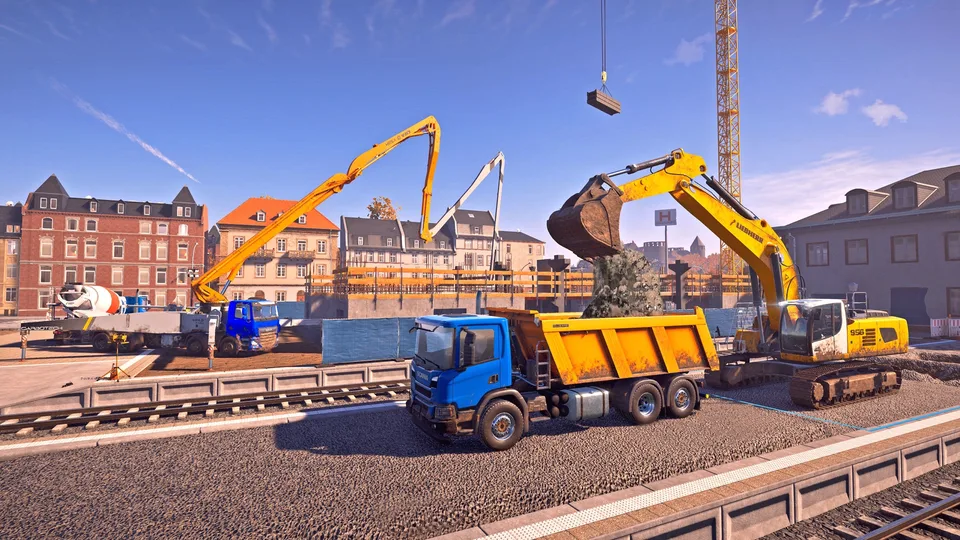
- Developer
- weltenbauer. Software Entwicklung GmbH
- Platform
- Windows PC, PS4, PS5, Xbox One, Xbox Series X|S
- Genre
- Open-world Construction Simulation
- Machines
- 90+
- Contracts
- 100+
- Base Maps
- 2
- Online Co-op
- Up to 4 Players
- Platforms
- PC, PlayStation 4, PlayStation 5, Xbox One, Xbox Series X|S
- Genres
- Simulation
- Players
- Max. 4
- Modes
- Single player, Co-op
- Release date
- 2022-09-20
- Developer
- weltenbauer. Software Entwicklung GmbH
Latest Updates
Start Here
- 1
Beginner Guide
Start your company, learn the controls and work through your first construction contracts.
- 2
Rent or Buy Machines
Plan your first equipment choices and match excavators, trucks and cranes to the work ahead.
- 3
Materials and Deliveries
Find the right suppliers, check required materials and prepare deliveries for each job.
- 4
Co-op and Crossplay
Learn the hosting requirements, enable crossplay and coordinate construction work with friends.
Construction Simulator Wiki Hub
Eight in-depth Construction Simulator guides covering machines, contracts, money, controls, multiplayer, maps and DLC.
Explore the wiki
Eight categories of Construction Simulator guides: machines, contracts, materials, multiplayer, maps, DLC, buying advice and fixes.
Guides
Core Construction Simulator strategies: earning money, mastering controls, levelling your company and working faster on every site.
Vehicles
Machine-by-machine guides for the Construction Simulator fleet: excavators, cranes, dump trucks, concrete equipment and asphalt machines.
Materials
Where to get every material in Construction Simulator and how to deliver, spread and mill them without wasting time or money.
World & Maps
Tour both Construction Simulator maps: Sunny Haven and Friedenberg campaigns, key locations, collectibles and the biggest landmark jobs.
Multiplayer
Set up Construction Simulator co-op: unlock hosting, enable crossplay between PC and consoles and share the earnings fairly.
DLC
Every Construction Simulator expansion explained: the airfield and stadium DLC on existing maps and the spaceport expansion with its own map.
Fixes & Support
Practical fixes for Construction Simulator problems: crashes, save files, DLC trouble, controller issues and performance tuning.
Buying
Decide which version of Construction Simulator to buy: platform comparisons, key deals, the Titanium Edition and Game Pass availability.
Construction Simulator Beginner Guide
Start Construction Simulator with a clear plan for your first company and contract. Learn where to find jobs and in-game help before taking on larger projects.
- 1
Create your company in Sunny Haven or Friedenberg, the two base-game settings.
- 2
Use Profile > Manual to learn machine operation and the game's basic systems.
- 3
Open the Jobs menu to choose a campaign contract or a smaller generic job.
Construction Simulator Vehicles and Equipment
Explore Construction Simulator vehicles by the work they perform. Find excavation, roadwork and concrete equipment, with free-update additions distinguished from paid vehicle packs.
- Fleet Size
The base game with free updates offers more than 90 machines.
- Excavation
Wacker Neuson EW100 and ET145 excavators gained interchangeable buckets in Update #14.
- Roadwork
The CAT AP1055F asphalt paver and HAMM H11i compactor are part of the machinery lineup.
- Concrete
Update #6 added DAF CF 430 FAC 8x2/CIFA MK25H Carbotech and SCANIA P500 B8x2*6NA/FBP 24 concrete mixer pumps.
Construction Simulator Contracts and Mission Help
Get help with Construction Simulator contracts, job scope and unfinished tasks. Learn how mission settings change the workload and which recovery options are available when progress stalls.
- Contract Selection
The base game and free updates provide more than 100 contracts across the two base-game settings.
- Job Scope
Set scope before starting supported jobs; higher scope increases excavation, cargo or other required work.
- Task Recovery
Active-job details offer restart and skip options, although some tasks cannot be skipped.
Construction Simulator Money and Company Progression
Grow your Construction Simulator company by understanding contract income and equipment costs. Learn how rented machinery and multiplayer earnings affect your next business decision.
- Contract Income
Construction projects generate income that can fund a larger, more capable vehicle fleet.
- Rental Costs
Rented construction machinery incurs rental fees, making equipment costs part of job planning.
- Multiplayer Earnings
The host earns company income, while guests receive a share credited to their own saved profiles.
Construction Simulator Controls and Steering Wheels
Configure Construction Simulator controls for keyboard, controller, steering wheel or joystick. Compare machine control schemes and check tested PC peripherals before setting up your equipment.
- Machine Control Schemes
Arcade, SAE and Euro-ISO layouts are available for relevant machine controls.
- Tested PC Wheels
The official PC compatibility list includes Logitech G29, Logitech G920 and Thrustmaster T300RS.
- Tested PC Joysticks
The official PC list includes Thrustmaster T.16000 and Logitech Extreme 3D Pro.
- Controller Remapping
Update #1 added controller keybinding; check the in-game control settings with a company loaded.
Construction Simulator Multiplayer and Crossplay
Set up Construction Simulator multiplayer and work with friends across PC and consoles. Follow the hosting requirements and crossplay settings to prepare a shared construction session.
- 1
Complete the tutorial to unlock multiplayer hosting.
- 2
Check ONLINE settings and enable crossplay for a session with players on other platforms.
- 3
Create a session for up to four players in total and divide construction tasks among the team.
- 4
Configure in-game voice chat under AUDIO > VOICE CHAT to coordinate the work.
Construction Simulator Maps and Material Locations
Explore Construction Simulator maps and find important locations. Compare the two base campaigns and learn how supplier discovery changes the information shown on your map.
- Sunny Haven
The American-inspired harbor setting has a campaign focused on restoring tourism.
- Friedenberg
The German-inspired setting features renewable-energy and urban-infrastructure projects.
- Location Discovery
Question marks identify undiscovered locations; visiting a location adds its permanent map marker.
- Material Suppliers
Job material lists identify where required components come from, including specialist suppliers.
Construction Simulator DLC and Expansions
Compare Construction Simulator DLC by the construction work it adds. See which expansions extend existing maps and which one introduces a separate campaign location.
- Airfield Expansion
Build airfield facilities such as runways, control towers and terminals through new contracts on both base maps.
- Spaceport Expansion
A new tropical peninsula map introduces spaceport construction, including a research center and rocket launchpad.
- Stadium Expansion
Construct a stadium on the existing European map, with work on stands, VIP areas and the pitch.
Construction Simulator FAQ
Common questions about Construction Simulator, answered for new company owners, machinery enthusiasts and PC or console co-op players.
Which platforms is Construction Simulator available on?
Construction Simulator launched on September 20, 2022 for Windows PC, PlayStation 4, PlayStation 5, Xbox One and Xbox Series X|S.
Can I play Construction Simulator alone or with friends?
Yes. Construction Simulator supports single-player and online co-op for up to four players in total. Console online play requires the applicable PlayStation or Xbox multiplayer subscription.
Does Construction Simulator support crossplay?
Yes. Update #11 added crossplay on April 10, 2024, allowing PC, PlayStation and Xbox players to work together. Crossplay can be enabled or disabled in the online settings and when creating a session.
Why can't I host a multiplayer game in Construction Simulator?
You must complete the tutorial before hosting. You can join another player's multiplayer session without completing it.
Which maps are included in the Construction Simulator base game?
The base game includes Sunny Haven, inspired by the USA, and Friedenberg, inspired by Germany. Each map has its own campaign. Expansion maps are separate DLC content.
How do I place a tower crane in Construction Simulator?
Interact with the designated crane area at the construction site and select a suitable crane. If needed, rent or buy one from the vehicle dealer; delivery and setup are automatic.
Where do I get construction materials in Construction Simulator?
Check the material list in the job details for the supplier. Materials come from locations such as the building materials dealer, prefabricated wall factory, steel trade and sawmill.
Does Construction Simulator support steering wheels and joysticks?
Support depends on the device and platform. Check the official FAQ's tested-device list before choosing a setup; PC, PlayStation and Xbox compatibility differs.
What are the minimum PC requirements for Construction Simulator?
Steam lists Windows 10 64-bit, an Intel Core i5-4460 or AMD FX-8350, 8 GB RAM, a GTX 960 4 GB or Radeon Pro 570 4 GB, DirectX 11 and 10 GB of available storage. The recommended configuration uses 16 GB RAM and an SSD.
Ready to Master Construction Simulator?
Get your first company moving, choose the right machinery and prepare for bigger construction contracts with practical guides.